
Dojo Maintenance Tool
Access your Dojo Maintenance Tool (DMT) to:
- Check on your wallet server’s status
- Pair a wallet to Dojo
- Manage your tracked wallet’s extended public keys
Obtain your DMT .onion URL
Section titled “Obtain your DMT .onion URL”In the terminal of your device, copy and paste the following commands, then press ENTER.
-
Navigate to the Dojo script directory
Terminal window cd ~/dojo-app/docker/my-dojo -
Enter the Dojo onion command
Terminal window ./dojo.sh onion
Shown in the terminal is Dojo API and Maintenance Tool URL.
Save / bookmark your DMT URL
Section titled “Save / bookmark your DMT URL”Add this URL to your password manager with /admin at the end. For example:
wo4zobymdl45gmmzzmpoypeemoukbj74wpibc22rxs2yfgpej62v6dyd.onion/admin
This is your DMT URL.
You may also choose to save this URL as a bookmark in your Tor desktop and/or mobile browser.
Login to your Dojo Maintenance Tool
Section titled “Login to your Dojo Maintenance Tool”Launch the Tor desktop browser.
Note: your Tor browser must be set to either security level “standard” (default), or “safer”, as javascript is required for the site.
Paste your DMT URL into the URL bar.
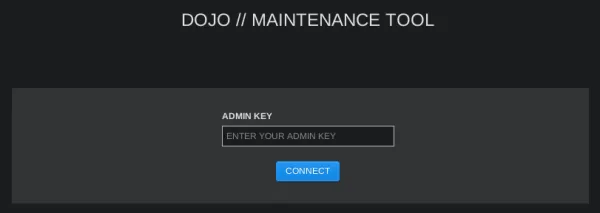
Paste your NODE_ADMIN_KEY, then click CONNECT to login.
Note: your NODE_ADMIN_KEY was one of the admin credentials you generated and set prior to installing Dojo. At the time of doing so, you should have saved this in your password manager.
Dojo status page
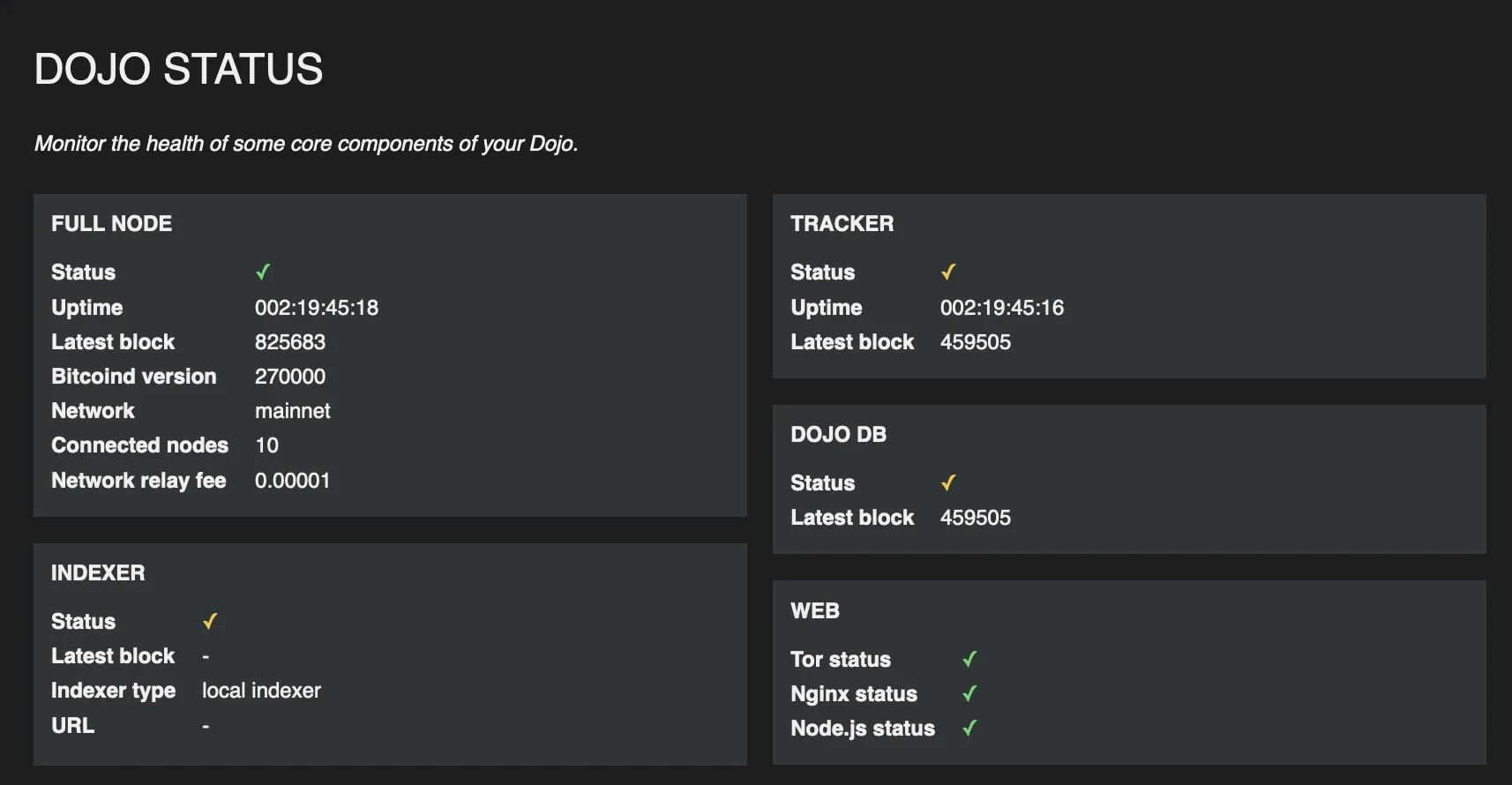
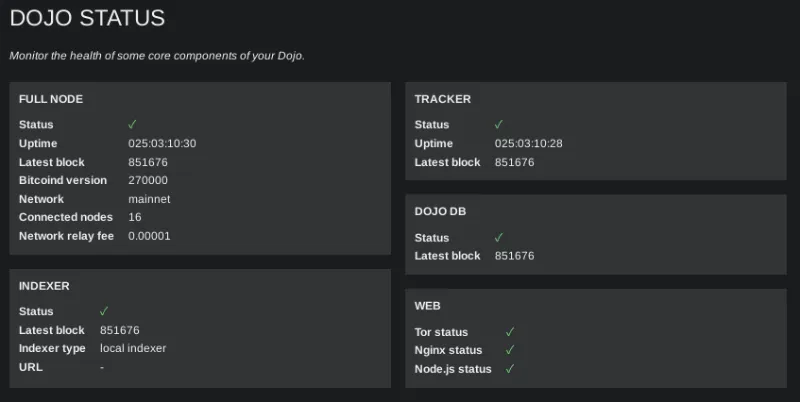
Section titled “Dojo status page”After logging in you will see the status page of your Dojo.
If your Dojo is fully synced, you will see all green checks ✅
If you Dojo is not synced, or your Dojo is experiencing issues, you will observe red crosses and/or orange checks.