Healthy logs
After your wallet server is fully synced, you may choose to check on the logs from time to time to ensure everything looks healthy. If you are experiencing issues with your Dojo, by checking the logs you may be able to identify the fault and look to fix it.
How to obtain logs
Section titled “How to obtain logs”In the terminal of your Dojo, copy and paste the following commands, then press ENTER.
Navigate to the Dojo script directory
Section titled “Navigate to the Dojo script directory”cd ~/dojo-app/docker/my-dojoAll commands which start ./dojo.sh are to be run in this directory.
Show all logs
Section titled “Show all logs”./dojo.sh logsPress ctrl + c to exit back to the terminal.
Show Bitcoind logs
Section titled “Show Bitcoind logs”./dojo.sh logs bitcoindPress ctrl + c to exit back to the terminal.
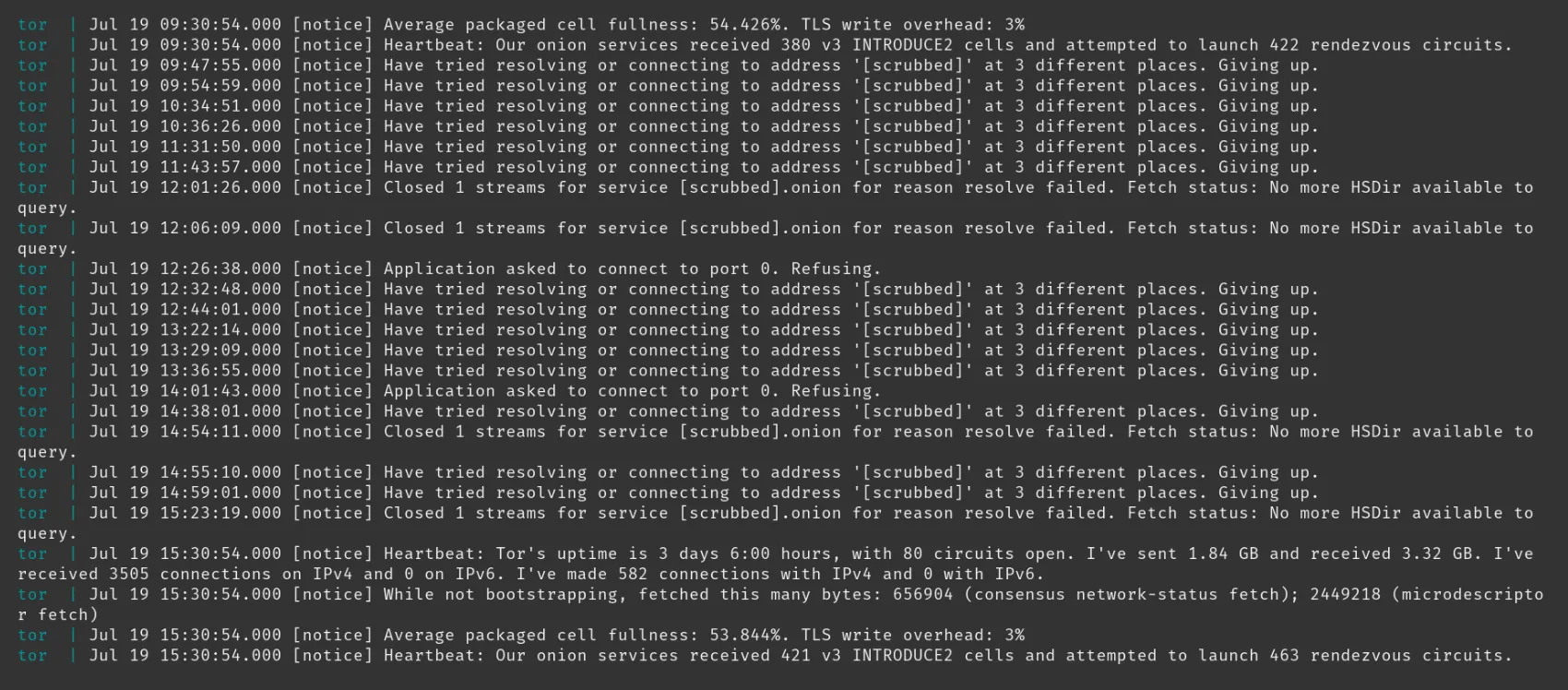
Show Tor logs
Section titled “Show Tor logs”./dojo.sh logs torPress ctrl + c to exit back to the terminal.
Show Fulcrum logs
Section titled “Show Fulcrum logs”./dojo.sh logs fulcrumPress ctrl + c to exit back to the terminal.
Show NodeJS logs
Section titled “Show NodeJS logs”Warning: these logs can contain sensitive information pertaining to wallets connected to your wallet server. As such, consideration should be made prior to sharing these with any third-party.
./dojo.sh logs nodePress ctrl + c to exit back to the terminal.
Show Dojo DB logs
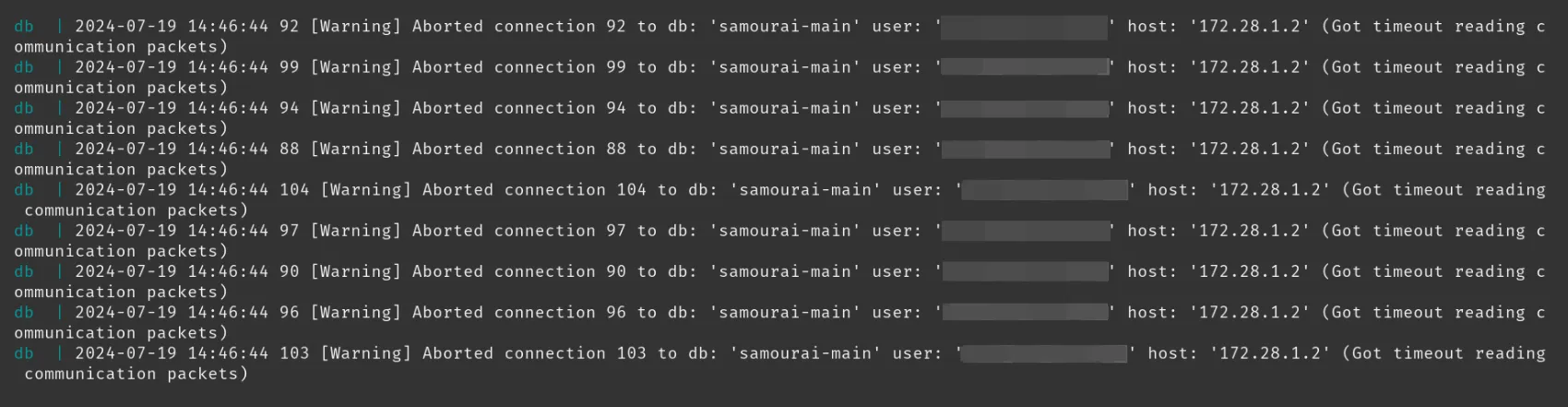
Section titled “Show Dojo DB logs”Warning: the “user” field contained in these logs, though not a security risk, may be a privacy risk. As such, consideration should be made prior to sharing these with any third-party.
./dojo.sh logs dbPress ctrl + c to exit back to the terminal.
Show Explorer logs
Section titled “Show Explorer logs”./dojo.sh logs explorerPress ctrl + c to exit back to the terminal.
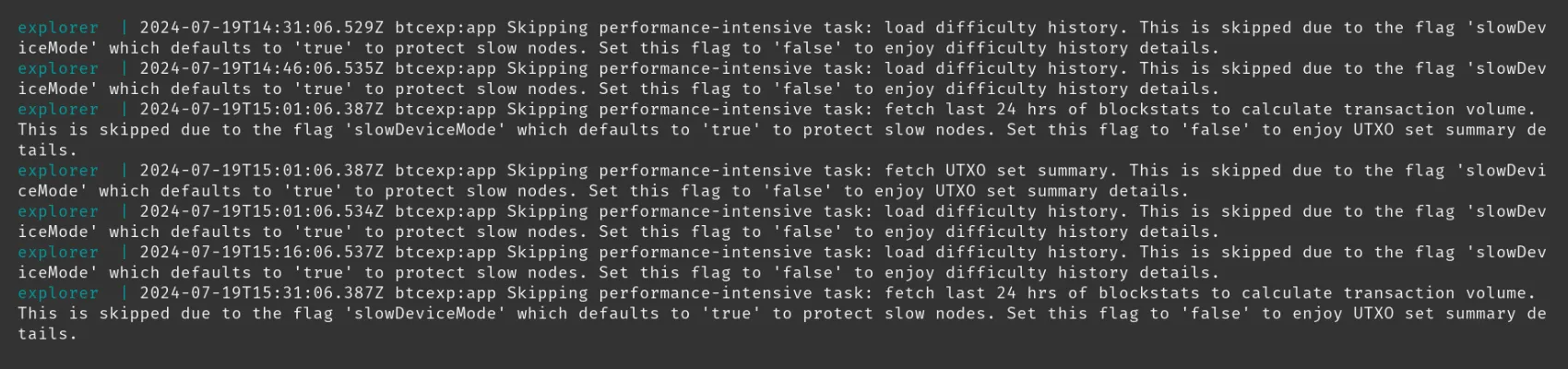
Examples of healthy logs
Section titled “Examples of healthy logs”The following healthy logs have been captured after Dojo has completed its initial sync.
Bitcoind
Section titled “Bitcoind”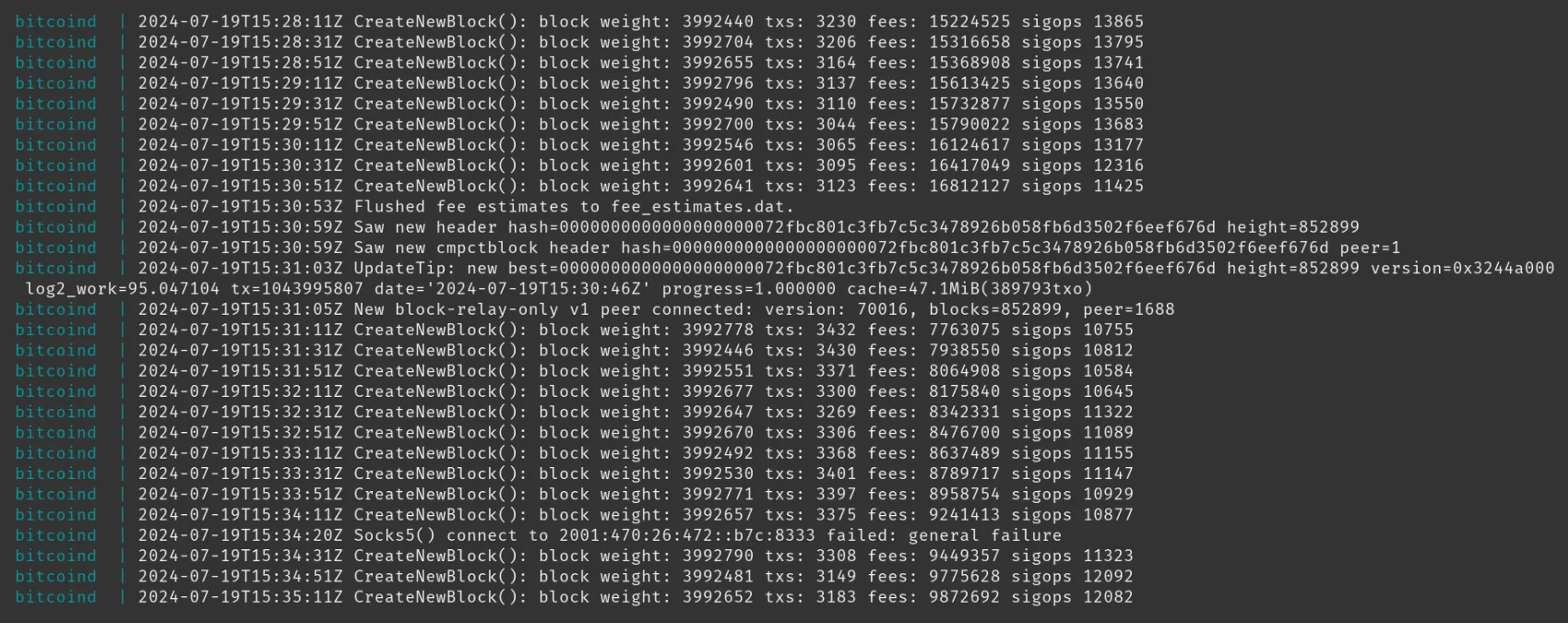
Fulcrum
Section titled “Fulcrum”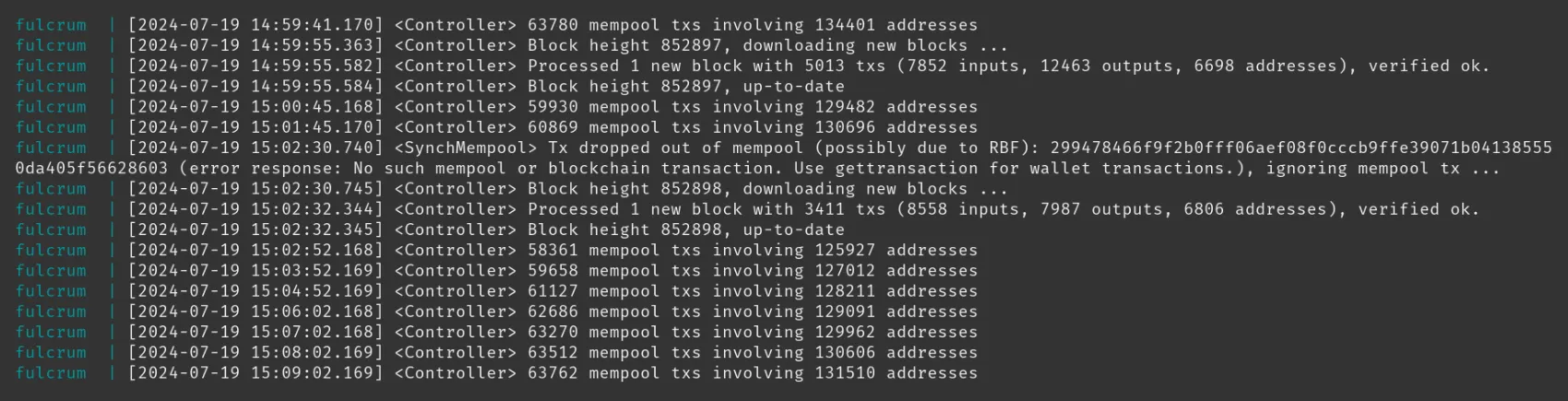
NodeJS
Section titled “NodeJS”Warning: these logs can contain sensitive information pertaining to wallets connected to your Dojo. As such, consideration should be made prior to sharing these with any third-party.

Dojo DB
Section titled “Dojo DB”Warning: the “user” field contained in these logs, though not a security risk, may be a privacy risk. As such, consideration should be made prior to sharing these with any third-party.
Explorer
Section titled “Explorer”